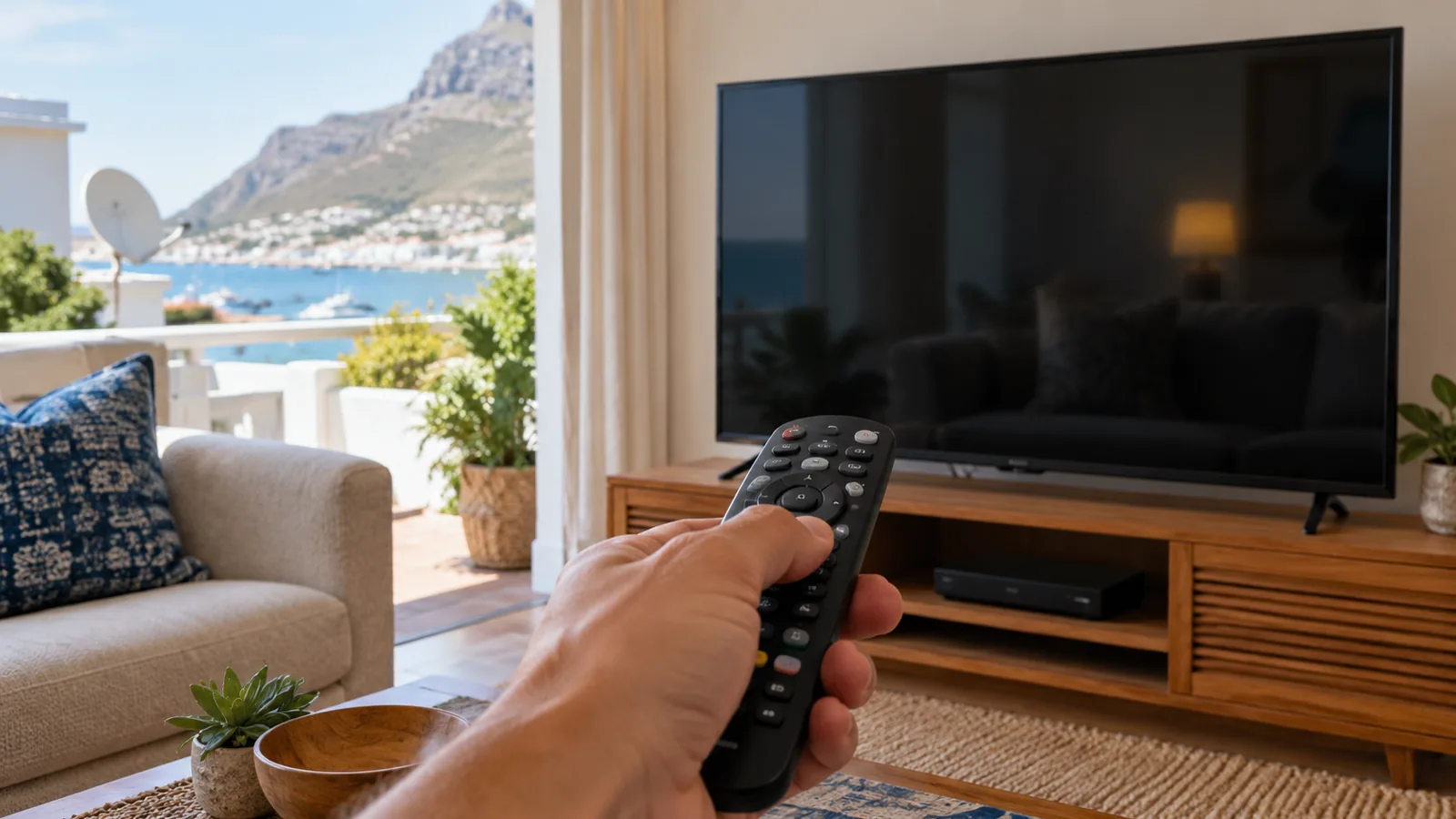
It is Saturday afternoon in Simon's Town, the south-easter is rattling the windows, and you want to settle in for the match. You press a button and nothing happens. A DStv remote not working is one of the most common calls we get, and the good news is that most cases are fixed on the couch in a few minutes, at no cost.
Quick answer
With a DStv remote not working, start with new batteries and clean contacts. Then switch the decoder off at the wall for a minute. Explora Ultra remotes use Bluetooth and may need pairing again. If the decoder's own buttons do nothing either, the fault is the decoder, not the remote.
We are the local DStv technicians in Simon's Town, and this guide is set out as eight quick fixes, easiest first. Work through them in order. Stop when the remote wakes up, and skip to the end if none of them help.
DStv remote not working? A 60-second check for Simon's Town homes
Before you buy anything, find out which part has the problem. Many cases of a DStv remote not working are really a decoder that has frozen. This check saves money and guesswork.
- Is there a light on the front of the decoder? No light at all points to power, not the remote.
- Does the decoder react when you press a button on its front panel, if it has one?
- Does the little light on the remote blink when you press a key?
- Does a spare remote, or the DStv app on your phone, control the box?
If the decoder reacts to everything except your remote, the remote is the issue. If it reacts to nothing, see the section on a decoder not responding further down.
Fixes 1 to 3: the DStv remote not working basics
Fix 1: Swap the batteries for a fresh pair
This sounds too simple, but flat batteries are behind most cases of a DStv remote not working. Use two new alkaline batteries from the same pack. Old and new mixed together drain each other quickly.
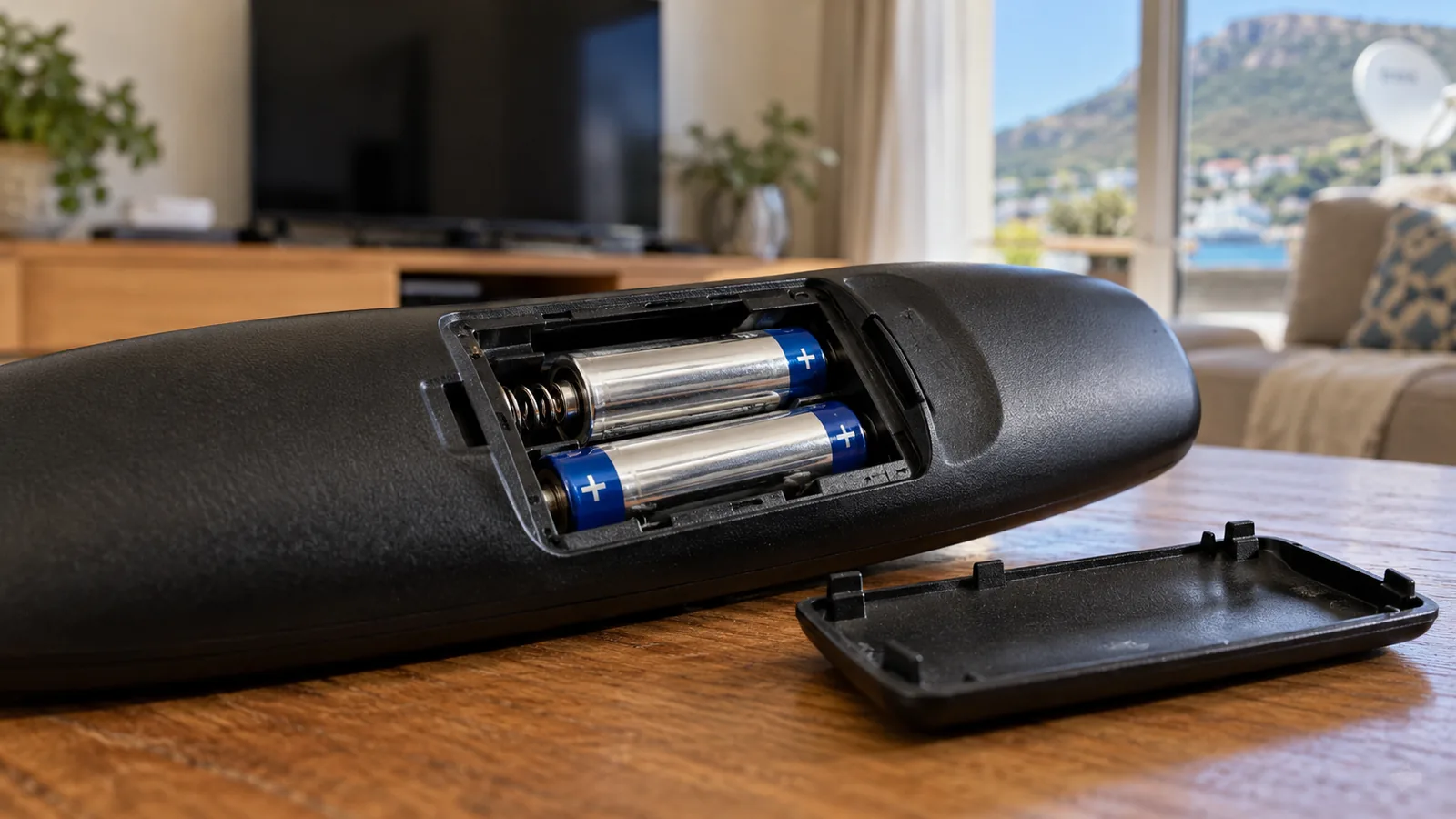
Fix 2: Clean the battery contacts
Open the back and look at the metal springs. Green or white crust means a battery has leaked, or damp has got in. Wipe the contacts with a dry cloth, or a cotton bud with a drop of surgical spirits, and let it dry fully before you put the batteries back.
Fix 3: Clear the path to the decoder
Standard DStv remotes use infrared, which needs a clear line to the front of the box. A new speaker, a photo frame or a closed cabinet door can block it. Low winter sun across False Bay, shining straight onto the decoder, can also swamp the sensor late in the afternoon.
Technician tip
Point your phone camera at the front of an infrared remote and press a button. If you see a faint flash on the phone screen, the remote is sending a signal. No flash with new batteries usually means the remote itself has failed.
Fixes 4 and 5 for a DStv remote not working: restart and pair
Fix 4: Restart the decoder at the wall
Switch the decoder off at the plug, not just on standby. Wait a full minute, then switch it back on and give it a few minutes to load. Power cuts and load shedding can leave the software confused, and a proper restart clears that. It is the quickest fix for a DStv remote not working straight after the power comes back.
Fix 5: Re-pair an Explora Ultra remote
The Explora Ultra ships with a Bluetooth remote, so it does not need line of sight. It does need to stay paired with the decoder. If it stops working after a power cut or new batteries, remote pairing is the likely fix. Once it is paired, it is worth checking the box is online too, and our guide to connecting your Explora to the internet shows how.
- Fit fresh batteries in the Bluetooth remote.
- Stand close to the decoder, within a metre or two.
- Follow the pairing steps shown in the decoder's settings menu, or in DStv's help pages for your model.
- Wait for the on-screen message that pairing worked, then test the volume and channel keys.
DStv says the Explora Ultra works best with the remote that came in its box, though older Explora remotes are also compatible. You can check the latest remote pairing steps on the official DStv help page.
Good to know
The phone camera trick in Fix 3 will not show anything on a Bluetooth remote, even when it is working perfectly. For an Explora Ultra, rely on the pairing message instead.
Need DStv help in Simon's Town?
Tell us what you need or what your screen shows. We price the job before we drive out.
Fix 6: damp and salt in Simon's Town homes
Living next to False Bay is a joy, but sea air is hard on small electronics. Holiday flats that stand closed for weeks, older Victorian houses with thick walls, and homes in Glencairn and Boulders close to the water all trap moisture.
That damp gets into the remote, corrodes the battery springs and makes the rubber buttons sticky. A DStv remote not working on one or two keys is often the first sign, and complete failure can follow.
- Keep the remote in a drawer or on a shelf away from open windows, not on a sill.
- Take batteries out if you are leaving a holiday home empty for a month or more.
- Wipe away any sticky film on the buttons with a lightly damp cloth, then dry it.
- Never spray cleaner directly onto the remote.
For a remote in Simon's Town that has been wet, for example after a spill or a leaky window in a winter storm, take the batteries out straight away and leave it open to dry for a day or two before testing.
Fix 7: a decoder not responding at all
Sometimes the remote is innocent, and a DStv remote not working is really a frozen box. If the decoder is frozen, it will ignore every button. Look for these signs.
- The picture is stuck on one frame and the clock on screen does not move.
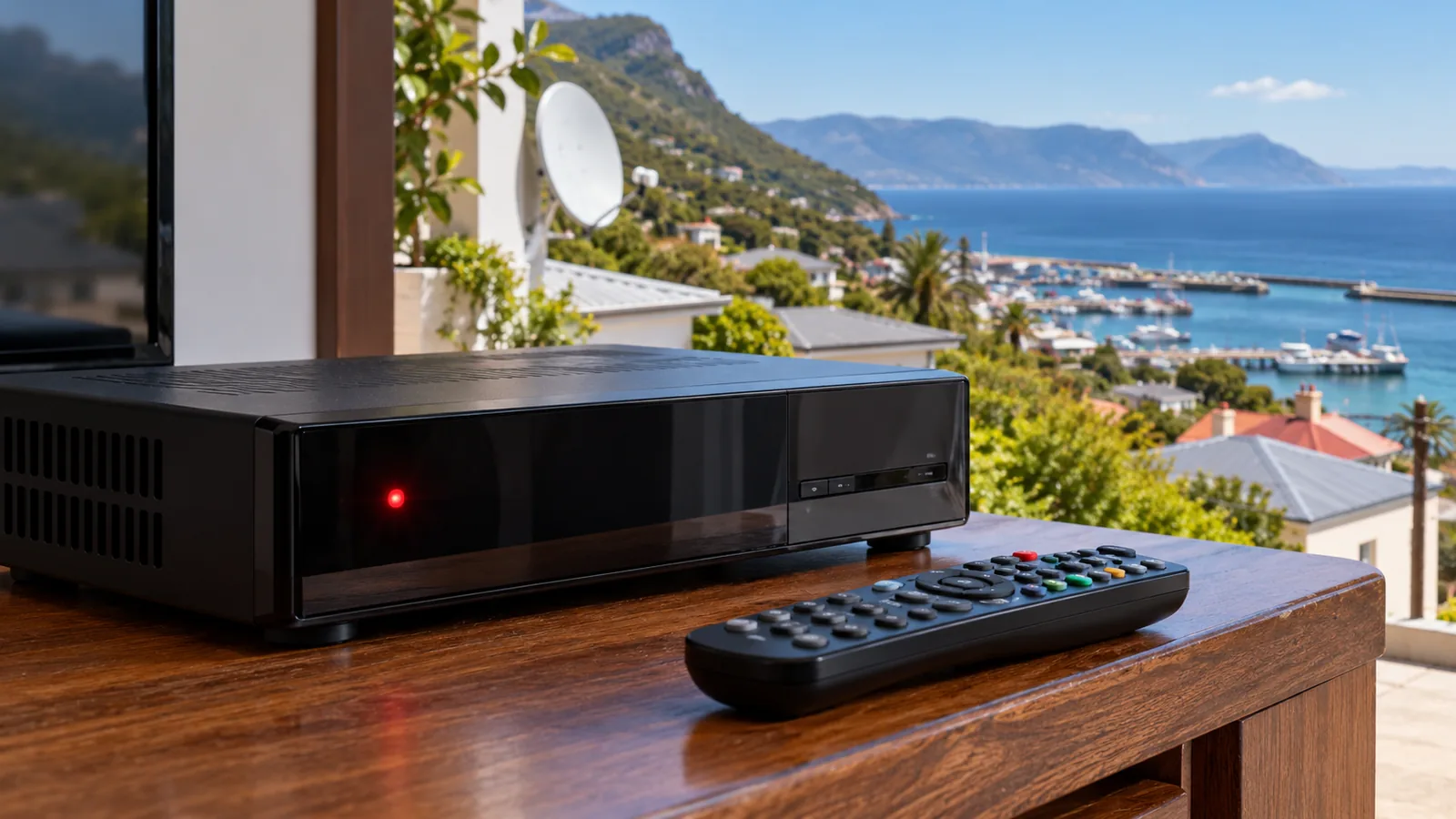
- The front panel shows a red standby light that will not change.
- The buttons on the decoder itself do nothing.
- An error code stays on screen, such as E48-32 for no signal.
A decoder not responding after a restart may have a software fault, a power supply problem or overheating. Boxes jammed into closed cabinets, or sitting in hot west-facing rooms, often struggle. Give it space to breathe and restart again.
If it still will not wake up, our decoder repairs in Simon's Town include testing the box, the power supply and the signal before we recommend anything. For older units that keep freezing, it may be time for a DStv decoder upgrade instead.
Safety first
Never open the decoder casing or its power supply to look for a fault. Mains power runs inside, and opening the box can also void any warranty. If you smell burning or see scorch marks, switch off at the wall and call a technician.
Fix 8: replace the DStv remote in Simon's Town
If none of the fixes above worked, and a spare remote or the app controls the decoder fine, your DStv remote not working is a worn-out remote, and you need a new one. Here is how to buy the right one.
| Your decoder | Remote type | What to watch for |
|---|---|---|
| HD Single View | Infrared remote | Make sure it says it suits DStv HD decoders |
| Explora | Infrared PVR remote | Needs record, pause and rewind keys |
| Explora Ultra | Bluetooth remote, older Explora remotes also work | Pair it after you fit the batteries |
| Streama | Streama remote | Pair it through the Streama settings |
Cheap universal remotes can work, but some lose keys or need fiddly codes. A proper DStv remote from a reputable store or DStv itself is usually less trouble.
If you are thinking about a streaming box instead, our guide to the Streama price and setup explains the costs. Keep the old remote until the new one works, as it is handy for comparing.
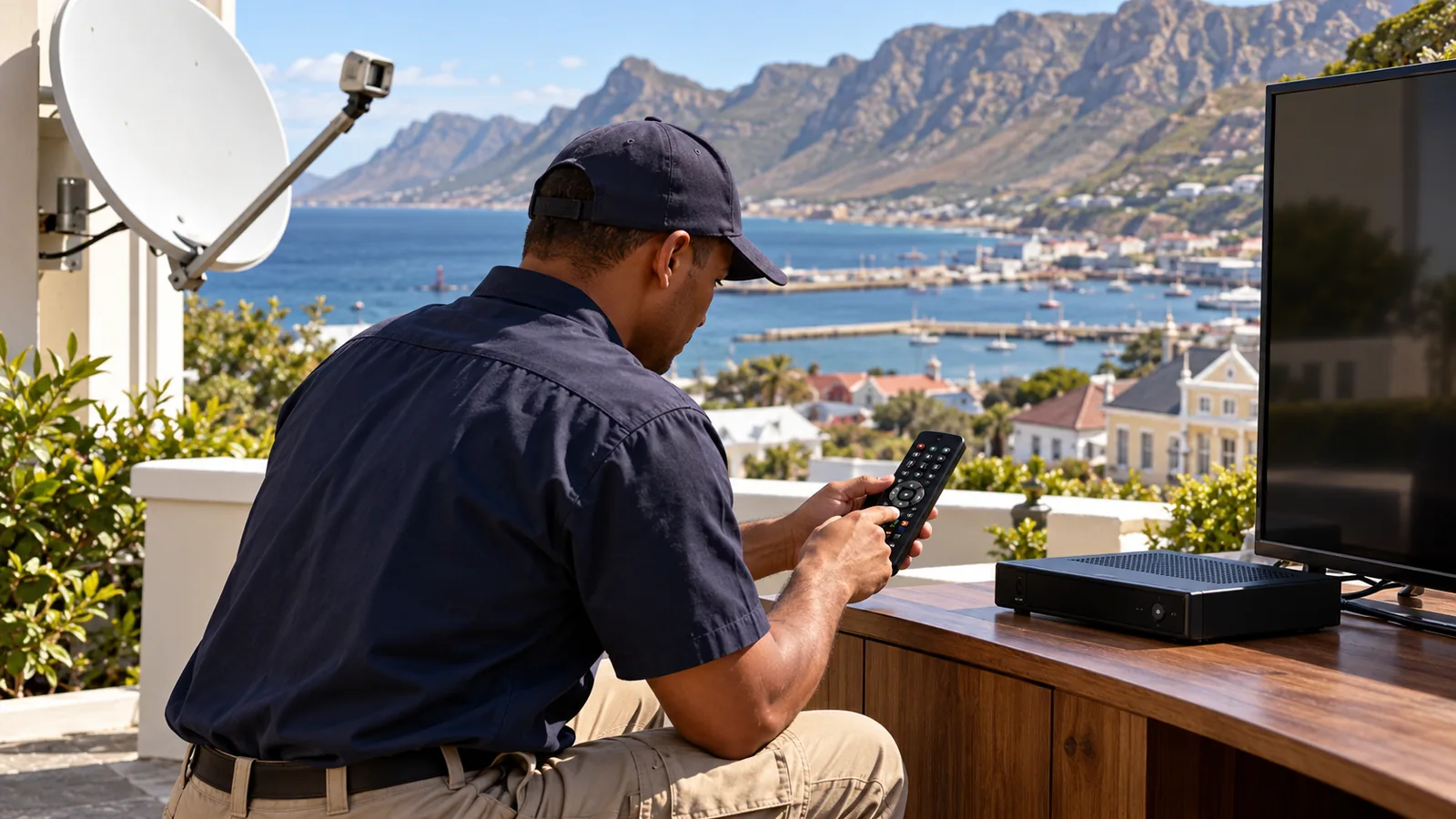
When a DStv remote not working in Simon's Town is a bigger job
A few situations do need a visit. A decoder that keeps rebooting, a second TV in XtraView where the remote controls the wrong box, or a new Explora that still has not been set up properly. Our Explora installation and setup includes checking remote pairing and recording before we leave.
Homes from Murdock Valley to Castle Hill can get hold of us through the contact page for our Simon's Town team. Tell us the decoder model and what the remote does, or does not do.
A clear description of your DStv remote not working helps us bring the right parts. We will tell you honestly if it is worth a call-out, often for the same or next day, depending on the schedule.
DStv remote not working in Simon's Town: FAQs
Why is my DStv remote not working with new batteries?
If fresh batteries do not help, check that the springs are clean and not corroded, then restart the decoder at the wall for a minute. Explora Ultra remotes may need pairing again. If the decoder ignores its own buttons too, the decoder has frozen or developed a fault, and the remote is probably fine.
Why is my DStv remote not working but the red light is blinking?
A blinking light on the remote usually means it is sending, but the decoder is not responding. Check the line of sight to the decoder, restart the box at the plug, and re-pair a Bluetooth remote. If the decoder shows a steady red standby light and will not wake, the decoder needs attention.
How do I pair a DStv remote with my decoder?
For an Explora Ultra, fit new batteries, stand close to the decoder and follow the pairing steps in the settings menu or on DStv's help pages. Wait for the message that pairing worked. Standard infrared remotes for HD and Explora decoders do not need pairing, only a clear line of sight.
Can damp cause a DStv remote not working in Simon's Town?
Yes. Sea air and damp in Simon's Town homes can corrode battery springs and make buttons sticky. Keep the remote away from open windows, remove batteries when a holiday home stands empty, and dry a wet remote for a day or two before testing. Corroded circuits usually mean a replacement.
Where can I get a DStv remote not working checked in Simon's Town?
Try the eight fixes in this guide first, as most remote problems are batteries, pairing or a frozen decoder. If the decoder itself will not respond, our Simon's Town team can test the decoder, power supply and signal. We give you a quote first, so you know the cost before we come out.
Can I use my phone as a DStv remote?
The DStv app lets you browse, stream and manage your account, and on some decoders it can help you test whether the box responds. It is a handy stopgap, but it does not replace a proper remote for everyday use. If the app works and the remote does not, buy a replacement remote.