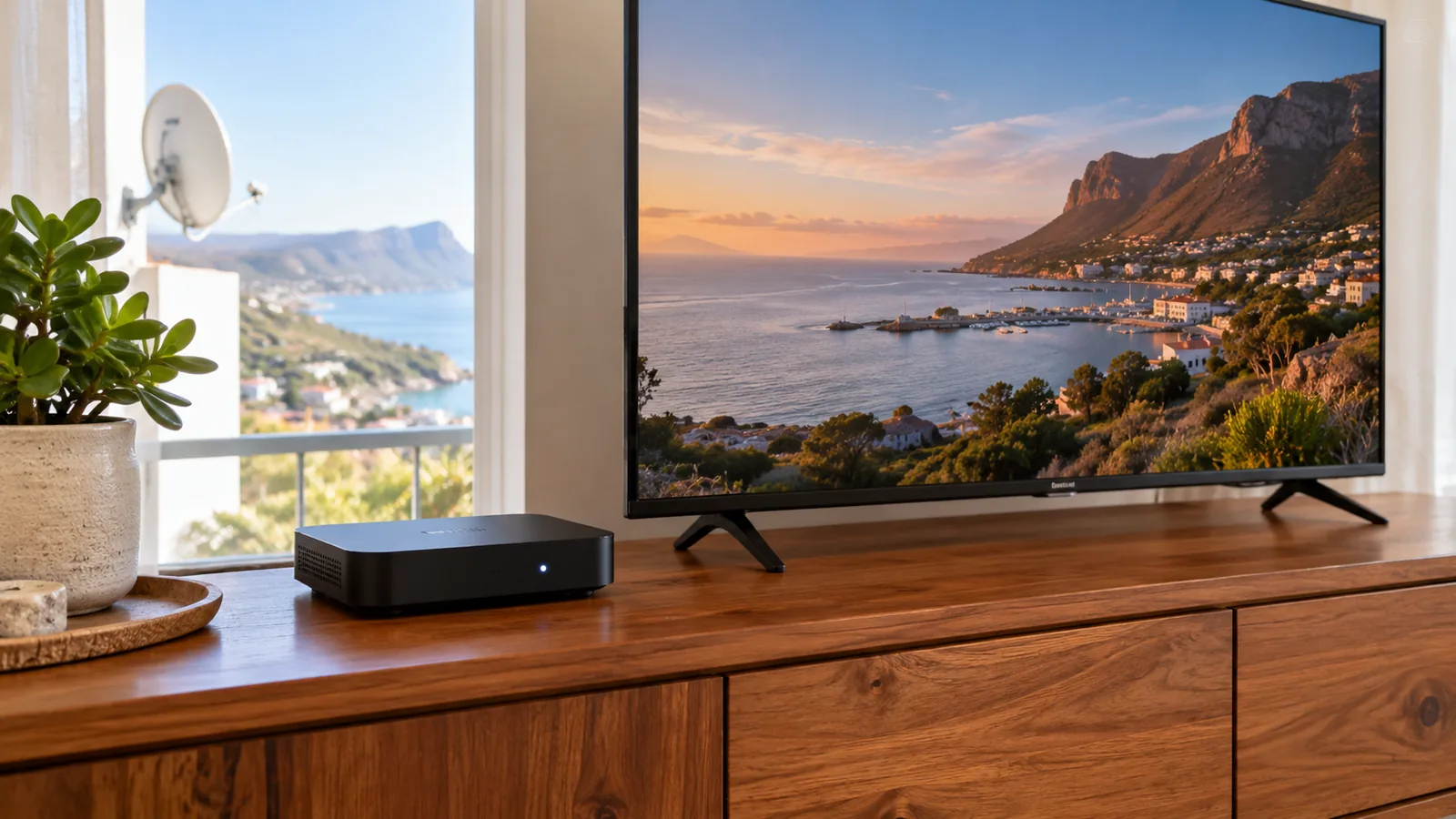
Many people in Simon's Town are asking: do I still need a dish, or can I just stream? The DStv Streama price is part of that answer, but only part. What it costs you each month depends on your package and on how good your internet is up on the mountainside. Let us lay out the numbers plainly, then show you when the dish still wins.
Quick answer
The DStv Streama price for the box varies by store and deal, so compare on the day. Monthly, you pay a DStv Stream package, from R99 for Starter to R799 for Premium at the time of writing. You need stable internet, ideally fibre. No dish or installation is needed, which suits many Simon's Town flats.
We are a DStv and WiFi installation company in Simon's Town, so we fit both dishes and home networks. That means we have no reason to push one over the other. We just want you on the setup that works best for your home and budget.
DStv Streama price in Simon's Town: the two costs
There are two separate amounts to think about. First, the once-off cost of the Streama box. Second, the monthly DStv Stream package you watch on it.
The box
The DStv Streama is a small streaming decoder that plugs into your TV and your internet. Its price changes a lot between stores, DStv's own deals and contract offers, so we will not quote one number. Compare on the day, and read the fine print on any contract deal.
The monthly package
Here are the DStv Stream prices from the new line-up that went live on 17 September 2026. They are lower than the satellite prices for most packages.
| Package | Channels | DStv Stream pm | Satellite pm |
|---|---|---|---|
| Starter | 85+ | R99 | R150 |
| Select | 100+ | R299 | R339 |
| Sports | 115+ | R399 | R479 |
| Movies & Series | 115+ | R500 | R500 |
| Premium | 130+ | R799 | R979, or R799 on a 24-month contract |
All prices are at the time of writing and can change. Check the latest on the official DStv packages page or in the MyDStv app before you sign up.
Good to know
Disney+ is no longer available on Streama and Explora boxes. If that app matters to your family, plan to watch it on a smart TV app or another device.
For the full story on what changed this year, our guide to the DStv price changes in 2026 explains the new packages and how the migration works.
No dish needed: what the DStv Streama price does not cover
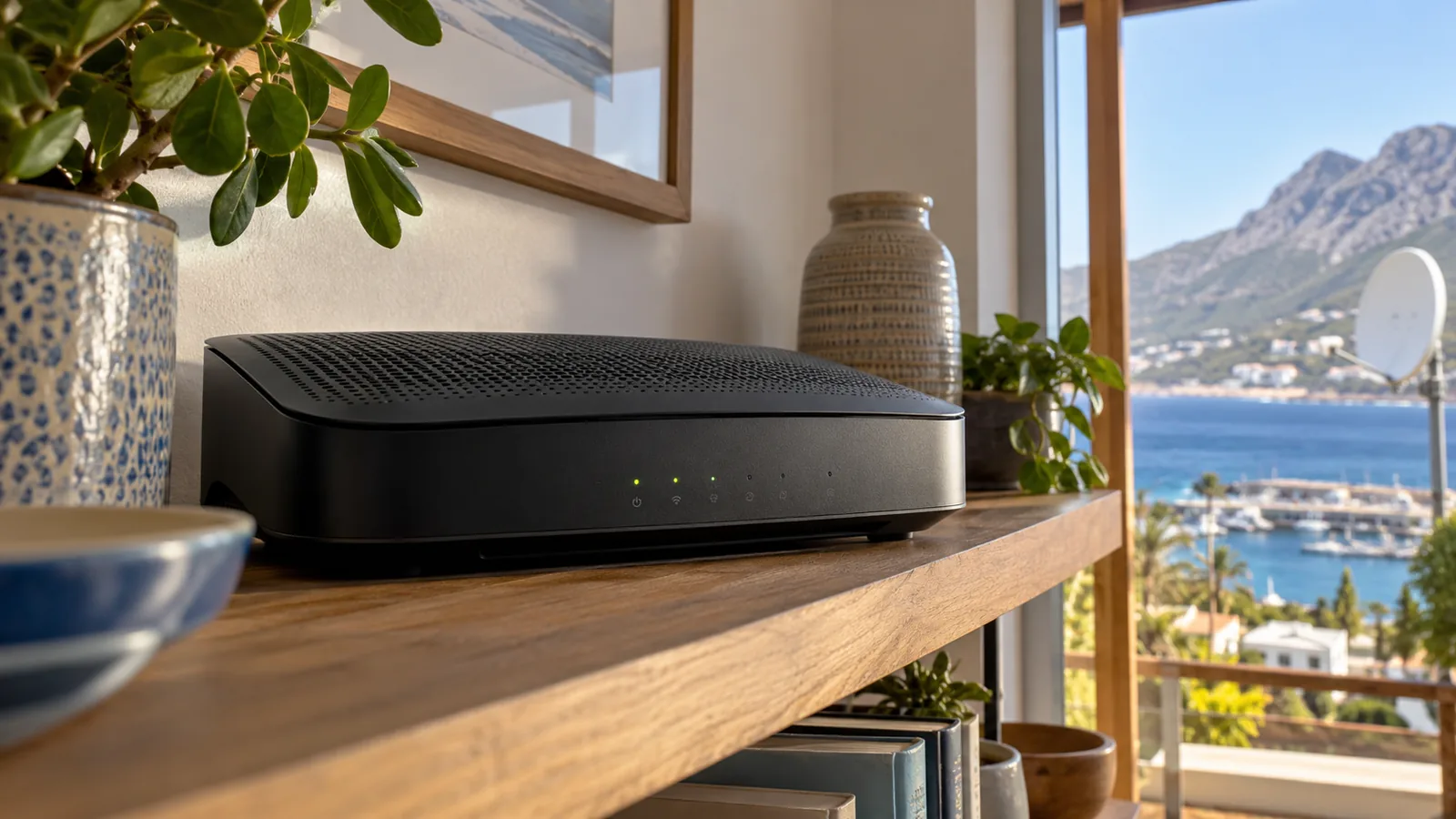
The big selling point of the DStv Streama is that it skips the dish, the LNB and the roof work completely. For a heritage building on St George's Street, where fixing a dish to an old facade is awkward, that is a real plus.
What you trade for that is a reliance on your internet line. For a Streama in Simon's Town, here is what the setup needs.
- A stable internet connection. Fibre is recommended.
- Enough data. Streaming HD all day uses a lot, so an uncapped plan makes sense.
- A strong WiFi signal where the TV is, or a network cable to the box.
- A TV with a free HDMI port.
- A DStv account with a Stream package.
The quickest test is simple, and it costs nothing before you pay the DStv Streama price. If Netflix or YouTube plays smoothly in HD on that TV in the evening, the DStv Streama will usually cope too.
Internet and load shedding: the hidden side of the DStv Streama price
Here is where Simon's Town is different from a flat suburb. Some streets have fibre right to the door, while homes higher up the slopes, or out towards Miller's Point, may rely on wireless or mobile data. That can be patchy.
The steep mountain behind town also blocks some wireless signals. A connection that looks fine on a speed test at noon can slow down at night when everyone streams.
When the power goes off
During load shedding, your router goes off with the power, and so does the Streama. A satellite decoder also needs power, but it does not need the router. If you put a small UPS on the router and fibre box, streaming can carry on through an outage, as long as the fibre network itself stays up.
Technician tip
Weak WiFi is the number one cause of Streama buffering we see. Placing the router in a back room behind a thick stone wall, common in older Simon's Town houses, can halve the signal at the TV. A mesh point or a network cable usually solves it.
Our WiFi and network setup in Simon's Town covers mesh systems, cabling to the TV and router placement, so the Streama gets a steady connection.
Need DStv help in Simon's Town?
Tell us what you need or what your screen shows. We price the job before we drive out.
DStv Streama price over a year: a simple worked example
Monthly prices are easy to underestimate, so it helps to add up a full year. Take a couple in a Simon's Town flat who choose the Select package on DStv Stream at R299 a month, at the time of writing.
- Twelve months of Select on Stream comes to R3,588.
- The same package on satellite at R339 a month comes to R4,068.
- The Streama box is a once-off cost, so add whatever deal you find on the day.
- Your internet bill is extra, but most homes pay it anyway.
So the DStv Streama price usually works out cheaper per month than satellite. It is not a saving, though, if you need to upgrade your internet just for TV. Run your own numbers with your package before you decide.
Streama vs Explora: which one should you choose?
Both boxes give you DStv. They just get it differently. This side-by-side helps with the Streama vs Explora choice.
| Question | DStv Streama | Explora or Explora Ultra |
|---|---|---|
| How does the signal arrive? | Internet | Satellite dish |
| Dish and installation needed? | No | Yes |
| Works if the internet is down? | No | Yes |
| Affected by rain fade? | No | Sometimes, in heavy rain |
| Records shows? | Uses catch-up instead | Yes, Explora Ultra up to about 110 hours |
| Monthly cost | DStv Stream package prices | Satellite package plus Access Fee of R125 |
In plain terms, the Streama is cheaper to start and simpler to fit. The Explora is more independent, because it keeps working when the internet drops. In the Streama vs Explora debate, your internet quality usually decides it.
When a dish still wins in Simon's Town
We fit a lot of dishes for good reasons. A satellite setup is still the better choice in these cases.
- Your home has slow, capped or unreliable internet.
- You watch a lot of live sport and cannot stand any buffering.
- You want to record and keep shows for weeks.
- Several TVs need DStv at once, using XtraView.
- You already have a working dish, so there is no new installation cost.
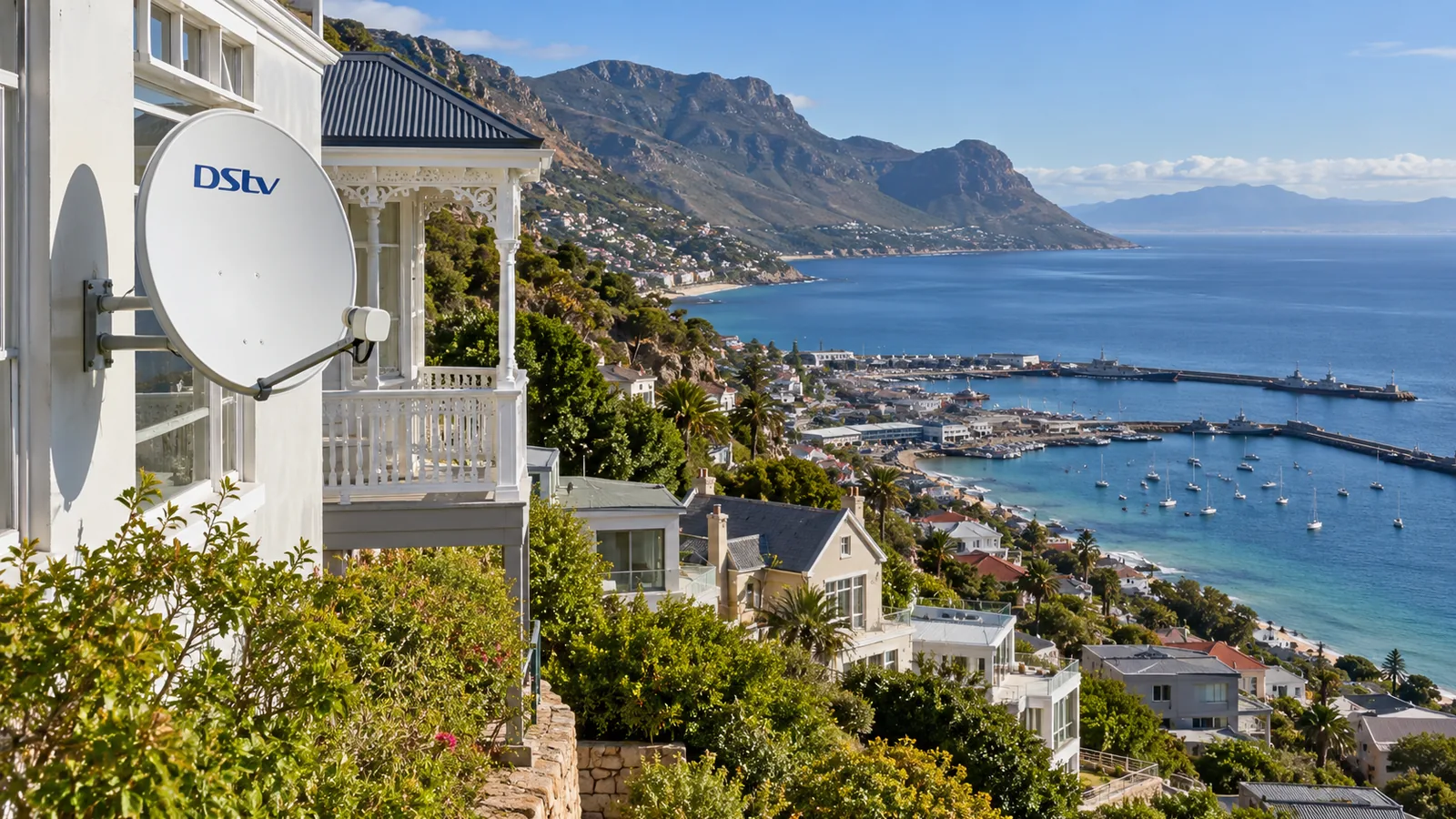
If that sounds like you, our satellite DStv installation covers the dish, cabling and decoder setup. On the hillside, the dish must face north-east with nothing in the way, which we check before quoting.
If you are also weighing up free-to-air TV, it uses the same satellite. Our guide to fixing OpenView signal problems covers the dish side of that choice.

Streama setup for guesthouses and holiday rentals in Simon's Town
Guesthouses, B&Bs and holiday flats are a big part of life in Simon's Town. For owners, the Streama has some clear pros and cons.
- Pro: no dish on a heritage facade, and no roof work on a steep site.
- Pro: the box is small and easy to move between rooms.
- Con: guests streaming on many devices can slow the shared internet.
- Con: if the line goes down on a busy weekend, every TV goes blank.
For one or two units, a Streama in a Simon's Town rental with good WiFi works well. For more rooms, we often suggest a mix of satellite and streaming, or a proper network with a separate guest WiFi. If you just want the basics, our explainer on what replaced DStv Access covers the entry package many rentals use.
Simple Streama setup steps
- Connect the Streama to your TV with the HDMI cable.
- Plug in the power and connect to WiFi, or use a network cable.
- Sign in with your DStv account details.
- Pair the remote if the box asks you to.
- Choose your package and start watching.
Get the DStv Streama price right for your Simon's Town home
Before you buy, it is worth a quick chat about your internet and how you watch. We can test your WiFi at the TV, or check whether your old dish is still good, and give you an honest view on the DStv Streama price compared with satellite.
Homes in Glencairn, Da Gama Park, Welcome Glen and right across town can reach us through our Simon's Town contact form. We quote first and can often help the same or next day, depending on the schedule.
DStv Streama price in Simon's Town: FAQs
What is the DStv Streama price per month?
The DStv Streama itself has no monthly fee. You pay for a DStv Stream package. At the time of writing, the new packages cost R99 for Starter, R299 for Select, R399 for Sports, R500 for Movies and Series and R799 for Premium. Check dstv.com or the MyDStv app for the latest prices.
Is the DStv Streama price at Pep or Game cheaper?
It depends on the week. Retailers and DStv run their own specials, and some offer the box on a contract. The DStv Streama price can differ a lot between stores, so compare on the day. Check whether a deal locks you into a monthly contract before you sign.
Does DStv Streama work well in Simon's Town?
Yes, if your internet is stable. Many homes in Simon's Town have fibre, and the Streama works well on it. Homes higher up the slopes or further out may rely on wireless or mobile data, which can be patchy. Test HD streaming on that TV in the evening before you buy.
Is DStv Streama better than a satellite dish in Simon's Town?
It depends on your internet and viewing habits. Streama needs no dish, which suits heritage buildings and steep sites in Simon's Town. A dish keeps working when the internet goes down and lets an Explora record shows. If your connection is reliable, Streama is often the cheaper option to start.
Does the DStv Streama price include installation?
No installation is needed, so the DStv Streama price covers the box only. You plug it into the TV, connect it to WiFi or a network cable, and sign in. Some homes need better WiFi at the TV, such as a mesh point or cable, which is a separate cost.
Does DStv Streama need internet all the time?
Yes. The Streama streams everything over the internet, so it needs a stable connection the whole time you watch. Fibre is recommended. When the internet or power drops, the picture stops. A small UPS on your router and fibre box can keep it running through short outages.