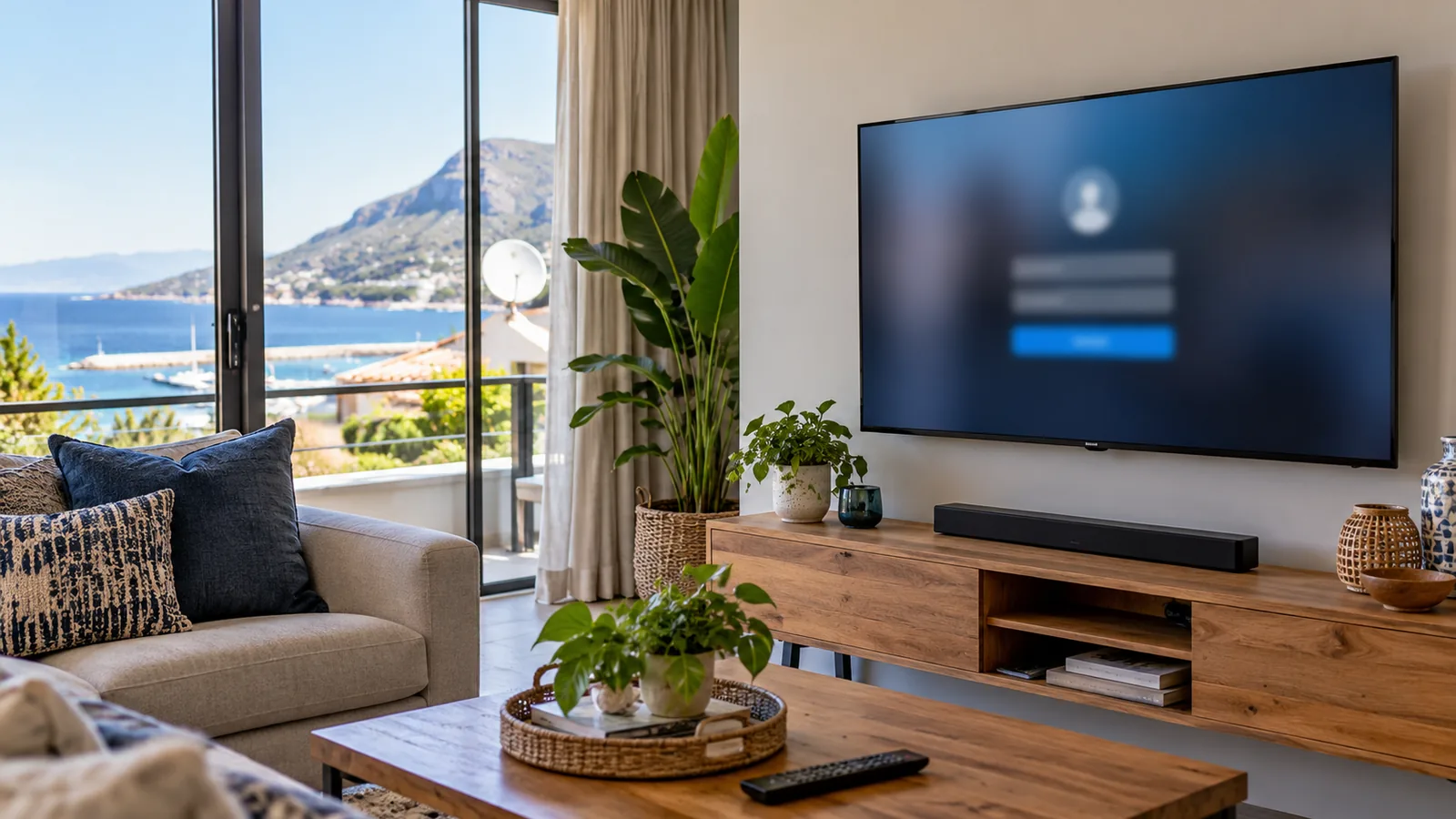
It is a windy Friday in Simon's Town, the south-easter is rattling the windows and nobody wants to go out. You have a smart TV, a DStv login and a fibre line, but the TV keeps asking for a code. If you are wondering how to link DStv Stream to TV without calling a nephew, this page gets you from app store to live channels in five easy steps.
Quick answer
Here is how to link DStv Stream to TV: install the DStv Stream app on a supported smart TV, open it to show a 5-digit code, then go to dstv.stream/tv on your phone or laptop, sign in and type the code. The TV links within seconds and stays signed in until you log out.
How to link DStv Stream to TV in 5 easy steps
Keep your phone and your DStv login details close by. Learning how to link DStv Stream to TV takes a few minutes once the app is on the TV.
- Install the app. Open the app store on your TV, search for DStv Stream and install it.
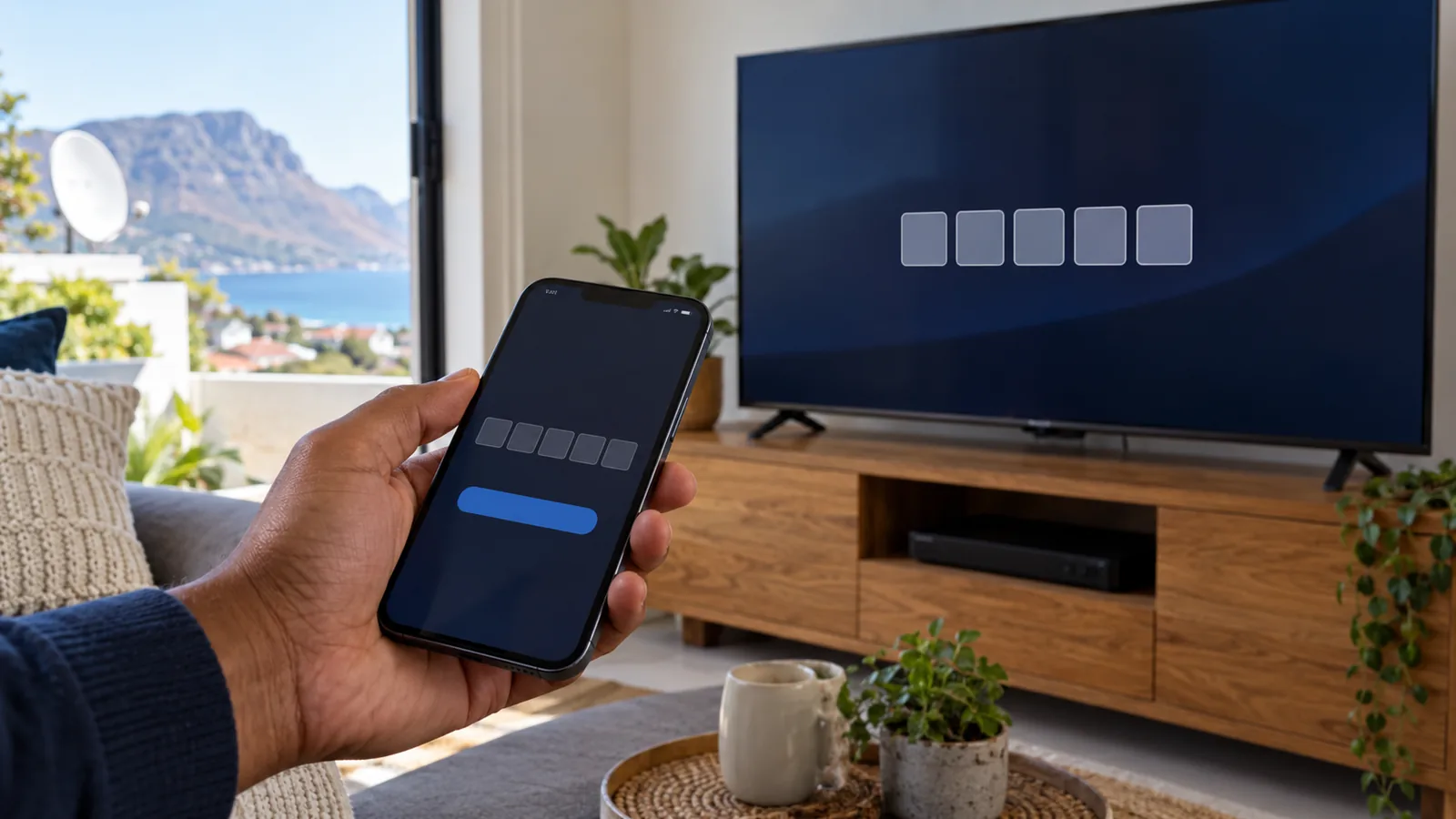
- Open the app. A 5-digit DStv Stream TV code appears on the screen. Leave it there.
- Grab your phone or laptop. Go to dstv.stream/tv in a browser, or open the DStv Stream app on your phone.
- Do the DStv Stream login. Sign in with your normal DStv email or mobile number and password.
- Enter the code. Type the 5 digits shown on the TV. After a few seconds the TV refreshes and your channels appear.
That is genuinely all there is to it. DStv also publishes its own short walkthrough on streaming DStv on a smart TV, which matches these steps. Watching in a cottage at the bottom of the garden? You may first need WiFi carried out to the guest cottage.
Technician tip
The code does not last forever. If you take too long finding your password, close the app on the TV and open it again to get a fresh code. Typing an old one is the most common reason people think the process is broken.
Will DStv Stream on smart TV work with your set?
Not every TV in Simon's Town has the app. Older sets, and some cheaper brands, simply cannot install it. At the time of writing, DStv lists these TVs and boxes as supported:
| Device | Minimum version | Notes |
|---|---|---|
| Samsung smart TV | Tizen 4.0 or newer | Roughly 2018 models onward |
| LG smart TV | webOS 4.0 or newer | Check the settings menu for the version |
| Hisense smart TV | VIDAA U3 or newer | Popular in rentals and flats |
| Android TV | Android 8.0, Play Protect certified | Includes many Sony, Philips and TCL sets |
| Apple TV | 4th generation, tvOS 15+ | Good option for older TVs with HDMI |
| Streama or Explora Ultra | Any | DStv's own boxes with the app built in |
If your TV is not on the list, do not give up. Casting, an Apple TV box or a Streama can still put DStv on the big screen, and we cover those options further down. Knowing how to link DStv Stream to TV starts with knowing what your TV can run.
Before you link DStv Stream to TV: WiFi in Simon's Town homes
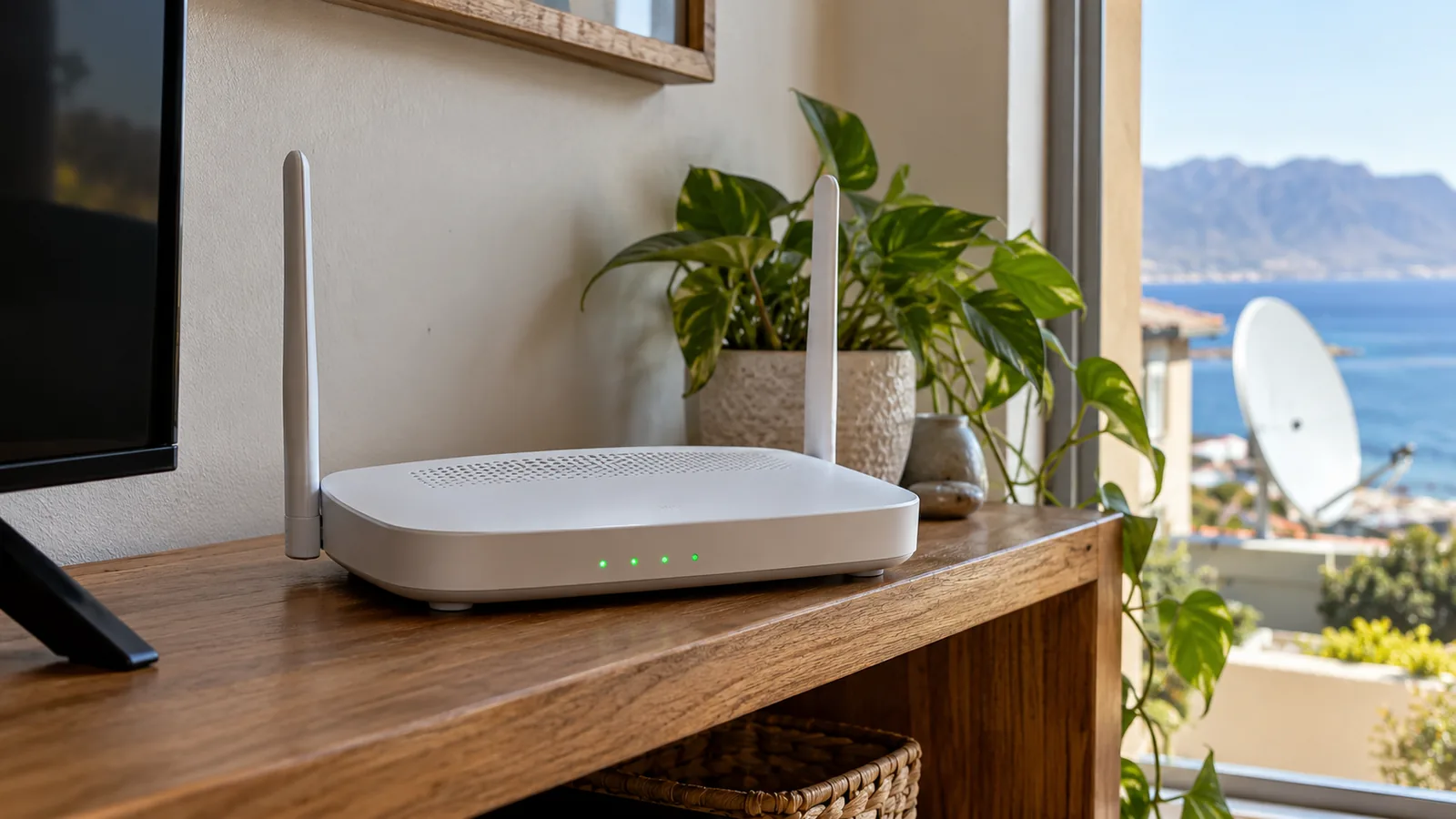
Streaming is only as good as the internet reaching the TV. Plenty of homes here have the router in a study at one end, and the TV in a lounge facing False Bay at the other end. Thick stone walls in older cottages near St George's Street and multi-level hillside homes in Murdock Valley both eat WiFi.
- Run a speed test on your phone, standing next to the TV, before you begin.
- Aim for at least 10Mbps for smooth HD, which DStv recommends for the best picture.
- If the TV has a network port and the router is close, use a cable.
- Restart the router after load shedding before blaming the app.
Good stream Simon's Town viewing depends more on the router than on the TV. If the signal is weak where you watch, our WiFi and network setup team can add a mesh point or run a cable so the picture holds up on match day.
How to link DStv Stream to TV from your phone (casting)
No app on the TV? You can still learn how to link DStv Stream to TV by casting from your phone. The DStv Stream app supports Chromecast on Android and iPhone, and AirPlay on iPhone.
- Connect the phone and the TV, or the Chromecast dongle, to the same WiFi network.
- Open the DStv Stream app on your phone and start a show.
- Tap the cast or AirPlay icon in the video controls and pick your TV.
If the icon is missing, the phone cannot see the TV on the network. Check that both are on the same WiFi, not one on the main router and one on a guest network. Guesthouses in Simon's Town often run separate guest WiFi, and casting will not cross between the two.
Laptop to TV with an HDMI cable
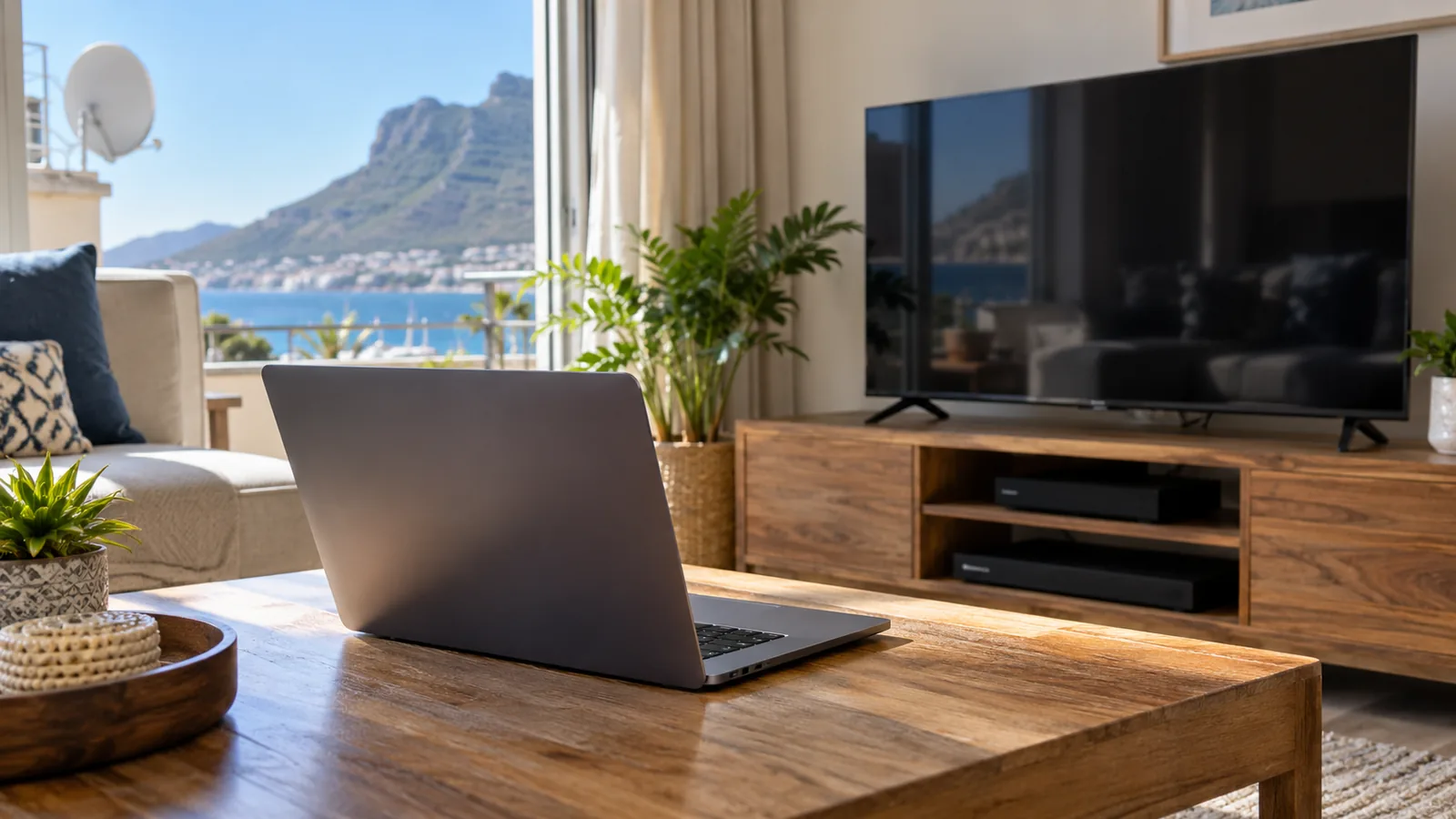
A laptop running the DStv website in a browser can also be plugged into the TV with an HDMI cable. This is the oldest answer to how to link DStv Stream to TV, and it still works. It is clunky for daily use, but handy for a holiday flat where you only want one big match.
Need DStv help in Simon's Town?
Tell us what you need or what your screen shows. We price the job before we drive out.
Smart TV, casting or Streama: which suits your Simon's Town home?
There is no single best way to stream Simon's Town style. It depends on the TV you own, who uses it and how often.
| Method | Good for | Downside |
|---|---|---|
| App on a smart TV | Daily viewing on a recent TV | Older or unbranded TVs may not have the app |
| Casting from a phone | Occasional viewing, guests | Phone must stay on WiFi and nearby |
| Apple TV or Android TV box | Older TVs with an HDMI port | Extra box to buy and power |
| DStv Streama | A simple remote and a DStv feel | Box cost, and it still needs good internet |
If you are leaning towards a dedicated box, our breakdown of the Streama price and what you get is worth a read. Shoppers who would rather buy a satellite decoder from a chain store can compare with our notes on the DStv decoder price at Game, keeping in mind that store prices change weekly.
How to link DStv Stream to TV when the code fails
Most failed links come down to a handful of causes. Work through them in order, then try the five steps again. A bad DStv Stream TV code is rarely a fault with the TV itself.
- Code expired: restart the app on the TV for a new one.
- Wrong account: make sure the DStv Stream login on your phone is the account that pays for the package.
- Typo in the address: the site is dstv.stream/tv, not a search result that looks similar.
- Account not active: check the subscription is paid up in the MyDStv app.
- App out of date: update the app in the TV's store, or update the TV's own software.
- TV logs out by itself: a factory reset, a firmware update or signing out on another device can clear the link. Simply repeat the five steps.
Good to know
Linking does not need a satellite dish. DStv Stream on smart TV runs entirely on your internet, so a storm that knocks a dish off line will not stop a streamed picture, as long as the power and fibre are up.
How to link DStv Stream to TV within your device limits
DStv caps how many devices can be registered on one account and how many can stream at the same time. The exact numbers depend on your package and on whether you add a mobile stream. If you see a message saying the streaming limit has been reached, someone else on the account is already watching.
To free up a spot, stop the stream on the other device, or remove old phones and TVs from the device list in your account settings. Holiday home owners who lend the login to guests should check that list after each season.
Once the limit makes sense, you will know how to link DStv Stream to TV without bumping a family member off the rugby.
Streaming, satellite or both in Simon's Town?
Streaming is great when the internet is solid. In parts of Da Gama Park, Glencairn or Miller's Point where fibre is patchy, a satellite decoder still gives the steadiest picture. Some families run both: a decoder in the lounge and the app on a bedroom TV.
If an ageing decoder is the reason you are looking at streaming, compare the cost of a DStv decoder upgrade in Simon's Town first. A new box plus a properly aligned dish may serve you better than relying on a weak line. Our DStv installation service handles the satellite side when that is the better route.

Help with how to link DStv Stream to TV in Simon's Town
Still stuck on the code screen? Our DStv technicians in Simon's Town can check the TV, fix the WiFi and show you how to link DStv Stream to TV so the whole family can do it next time. We quote first and test before we leave. Ask our Simon's Town team for a visit and tell us the make of your TV.
how to link DStv stream to TV in Simon's Town: FAQs
How do I link DStv Stream to my TV with a code?
Open the DStv Stream app on your smart TV to see a 5-digit code. On your phone or laptop, go to dstv.stream/tv, sign in with your DStv details and type in the code. The TV updates within a few seconds. If the code has expired, close and reopen the app on the TV to get a new one.
How to link DStv Stream to TV if my TV is not smart?
Plug a supported streaming box into the TV's HDMI port. An Apple TV, a certified Android TV box or a DStv Streama all run the app. You can also cast from your phone with a Chromecast dongle. The TV only needs a free HDMI port and the box needs a good internet connection.
How to link DStv Stream to TV when the code fails in Simon's Town?
Usually the code has expired, the wrong account is signed in on the phone, or the subscription is not active. In Simon's Town homes, weak WiFi at the TV can also stop the app from refreshing. Restart the app for a fresh code, check your account in the MyDStv app and test the internet next to the TV.
Can I link DStv Stream to TV and watch on my phone at the same time?
It depends on your package and whether you have a mobile stream added. DStv limits how many devices can stream at once. If you get a streaming limit message, one device must stop before another can start. Check the streaming options for your package in your DStv account.
Do I need a dish for DStv Stream in Simon's Town?
No. DStv Stream runs on your internet connection, so no dish or decoder is needed. In Simon's Town that is useful for flats or heritage buildings where a dish is hard to mount. You do need a stable line, ideally fibre, and a supported TV or streaming box.