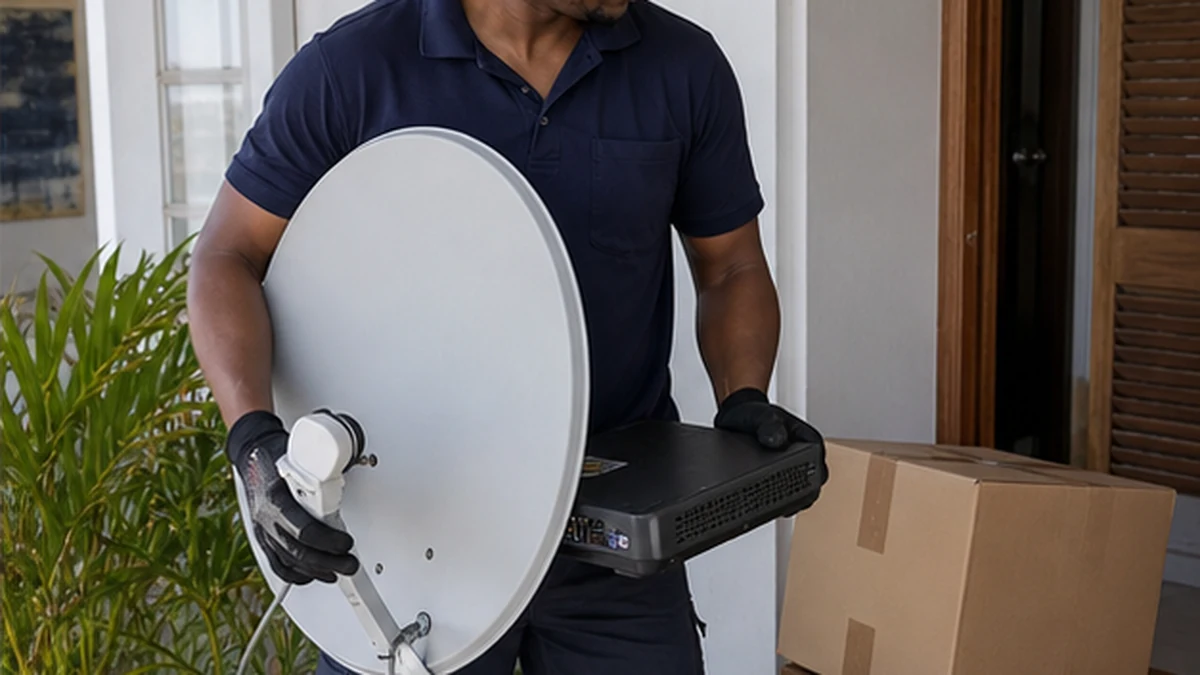
Moving a DStv setup is easier when the equipment list, property permissions and destination layout are settled before moving day. The dish at the old address may not belong to the occupant, while the new property may already have equipment of uncertain condition. This checklist helps you record the right details without assuming that every component should be removed and carried to the next home.
Start the Simon's Town relocation checklist early
Create a simple inventory of the decoder, remote, power supply and any linked-decoder equipment associated with the account. Photograph the labels and connections from a safe position before unplugging accessible items. Keep smartcards or other removable items with the decoder they belong to. Do not dismantle fixed outdoor equipment yourself.
Confirm what is owned and what must remain. A dish, wall outlet or shared distribution system may be part of a rental property or body corporate infrastructure. Ask the landlord or managing agent in writing if the lease is unclear. The planning overview for DStv relocation services can help define the work at the departure and destination addresses.
Record the current decoder arrangement. For XtraView, note which decoder is primary and which is secondary, and identify the rooms they serve. This prevents cables and power supplies from becoming an unlabelled bundle during packing.
Check the destination in Simon's Town
Walk through the new property with the viewing plan in mind. Decide where each television and decoder will stand. Note power outlets, existing satellite wall points and possible cable routes. Do not assume that an outlet marked for television is connected to a working satellite feed.
From ground level, note whether a dish is visible and whether it appears to serve the unit. A flat in Bay View Village may use shared infrastructure, while a freestanding property may have its own dish. Ask the agent or body corporate who controls rooftop and common-area access. Information about communal DStv systems is relevant when the building has shared distribution.
Consider the line of sight and the physical route without choosing an unsafe mounting position. Terrain, neighbouring structures and vegetation can influence options. An installer should confirm the position with signal measurements and plan fastening for the actual substrate.
Confirm permissions, access and wall constraints
Tenants should obtain approval for drilling, exterior cables and dish mounting. In a sectional-title scheme, exterior walls and roofs may be common property even when they adjoin your unit. Share the proposed outcome with the responsible person and ask whether there are appearance or routing rules.
Older properties can need more careful planning. Stone, old brick and historically sensitive finishes should not be treated as generic walls. If a television is also being installed, read the guide to TV mounting on heritage walls before selecting a bracket position. The substrate and conservation approach may change the room plan.
Arrange access to locked service areas through the authorised manager. Do not ask an installer to improvise entry on the day. Mention stairs, steep paths, limited parking and any high or exposed work area during the assessment so a safe approach can be considered.
Pack and label the equipment carefully
Before disconnecting, switch the equipment off at the wall. Take a clear photograph of the accessible rear connections. Use separate labelled bags for each decoder's remote, power supply and loose leads. Protect equipment from impact, dust and moisture during transport, and do not place heavy boxes on top of it.
Leave fixed cables, dishes, brackets and building distribution equipment in place unless ownership and removal have been specifically agreed. Pulling cable through a wall can damage the cable, the finish or hidden services. Removal should form part of a planned scope, especially where holes need to be made weather resistant.
If an existing setup had reception or heartbeat trouble, record it before the move. Relocation does not repair an old fault automatically. The notes help distinguish a pre-existing equipment issue from a connection problem at the destination.
Plan installation and testing at the new home
The destination assessment should confirm the number of viewing points, decoder compatibility, dish or communal feed, cable condition and proposed routes. Where a new independent system is required, the scope may overlap with DStv installation, but the relocation record still matters because existing customer equipment is being transferred.
For linked decoders, plan both satellite reception and XtraView communication. The XtraView installation requirements should be checked against the destination layout before furniture blocks outlets or routes. Do not assume the same cable arrangement will exist in the new rooms.
After connection, test each viewing point and remote. Confirm that the expected channels display, linked decoders communicate and cables sit without sharp bends or strain. Keep the equipment inventory until everything has been accounted for. Report error messages exactly rather than describing them only as no picture.
Questions about DStv relocation planning
Should I take the dish from my old home?
Not automatically. First establish who owns it and whether it forms part of the property or shared system. The destination also needs an assessment. Removing a fixed dish without agreement can create damage and may bring an unsuitable component to the new site.
What belongs on a DStv relocation Simon's Town checklist?
List each decoder, its role, remote, matching power supply and loose leads. Add destination viewing points, permissions, access arrangements, existing outlets, known faults and any shared-building contacts.
Can the existing cables at the new property be reused?
Possibly, after their route, condition, connectors and suitability are checked. An outlet on the wall does not prove that the hidden cable is connected correctly or in sound condition.
How should I prepare for XtraView after moving?
Keep linked equipment identified, record primary and secondary roles and plan the communication path as well as the satellite feeds. Report any previous heartbeat message before the new setup is connected.