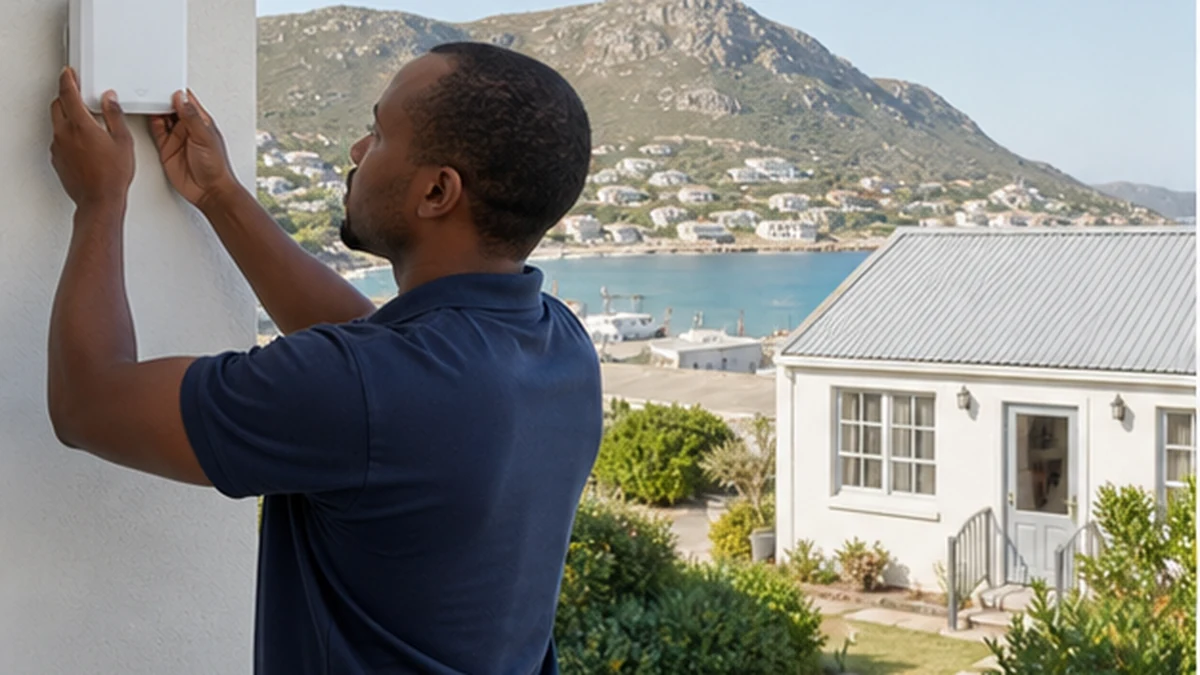
A strong WiFi signal in the main house does not guarantee useful service in a guest cottage, garage office or garden room. Walls, distance, slope and neighbouring networks can weaken the connection. The separate building also needs a dependable path back to the router, not just a device that repeats an already poor signal.
Three routes cover most properties: an outdoor-rated network cable, a managed mesh system, or a point-to-point wireless bridge. Each can work when the site suits it. A WiFi network setup assessment should compare the route, internet use and building construction before equipment is chosen. Keep that objective written down.
Measure the gap before choosing equipment
Start with the location of the internet router and the places where people will actually connect. Note walls, metal roofs, reinforced concrete, trees and changes in height. A cottage across an open courtyard presents a different problem from a room behind several stone walls. Test at busy times as well as during a quiet morning.
Define the workload. Basic messaging needs less capacity than video calls, streaming or cloud backups. A guest cottage may have several phones plus a smart TV. A workshop may need only one computer. Note any work calls or security devices that should take priority when several users connect. The design should serve realistic concurrent use without pretending that the link can improve the speed supplied by the internet provider.
When a cable is the strongest route
A correctly specified cable gives the outbuilding a dedicated wired path. It is usually stable and can feed a separate wireless access point inside the cottage. The route needs proper outdoor cable, weatherproof entries, surge and electrical considerations, and physical protection. An ordinary indoor patch lead laid through a garden is not a durable solution.
Copper Ethernet has distance limits and can create concerns between separate electrical environments. Fibre data cable may be considered for longer or electrically isolated building links, but it needs suitable termination and network hardware. Trenching, conduit and permission can make the civil route more important than the access point itself.
Using mesh WiFi around Simon's Town homes
Mesh is convenient when nodes can still communicate over a good wireless path or use a wired backhaul. It can extend one managed network and allow devices to move between coverage areas. It is less convincing when the cottage node sits beyond thick exterior walls with only a faint connection to the house.
Adding more nodes does not automatically add capacity. Poor placement can make each hop slower or less predictable. Put nodes where they receive a usable signal. A weak input cannot create useful coverage. In a stepped property around Admirals Kloof, floor level and line of sight may matter as much as the plan-view distance.
Point-to-point links for a separate building
A point-to-point bridge uses a matched outdoor radio at each building to create a focused network link. It is often useful where there is clear line of sight and running a cable is disruptive. The cottage end then connects to its own access point or small wired network. The bridge and local WiFi perform different jobs.
Alignment, mounting strength, legal radio settings, weatherproof cable entries and a clear path all matter. Trees that grow into the path can change performance. The devices should not be treated as indoor repeaters placed on windowsills. They need a planned installation and secure management credentials.
Plan guest access and resilience in Simon's Town
Keep guest devices separate from owner, office and security equipment where practical. Use a guest network with a distinct password and update access when the property routine requires it. Do not place router administration details in the welcome folder. Clear instructions should name the network and explain who to contact, without exposing controls.
If the link supports cameras, gate controls or alarms, document what will stop during an internet or power outage. The article on remote CCTV viewing explains why local recording and remote access are different. A dedicated CCTV assessment can coordinate camera positions with the network rather than assuming WiFi alone solves the security design.
Place indoor equipment where it has airflow, power and protection from guest interference. A smart TV may benefit from a wired connection to the cottage access point if available. When the screen and cabling also need a safe layout, TV wall mounting can be planned as a separate physical task.
Common questions about outbuilding WiFi
What works best for a Simon's Town guest cottage?
A protected cable is often the most predictable route, but site conditions decide. Mesh may suit a short gap with a strong backhaul. A point-to-point bridge can suit a clear path where trenching is impractical.
Can I put a range extender in the cottage?
Only if it receives a strong source signal, which is often the missing ingredient. Repeating a weak connection usually gives a larger coverage symbol without dependable capacity. Test the backhaul point first.
Will the cottage get the same speed as the house?
Not necessarily. The internet service, main network load, link method, interference and client device all affect results. Good design reduces avoidable loss, but it cannot create bandwidth that the incoming service does not provide.
Can cameras share the guest network?
They may technically connect, but separation is safer and easier to manage. Security equipment should have controlled credentials and predictable access. Guest password changes should not disable cameras or other property systems.